Android XR as an enterprise endpoint for on-device agents
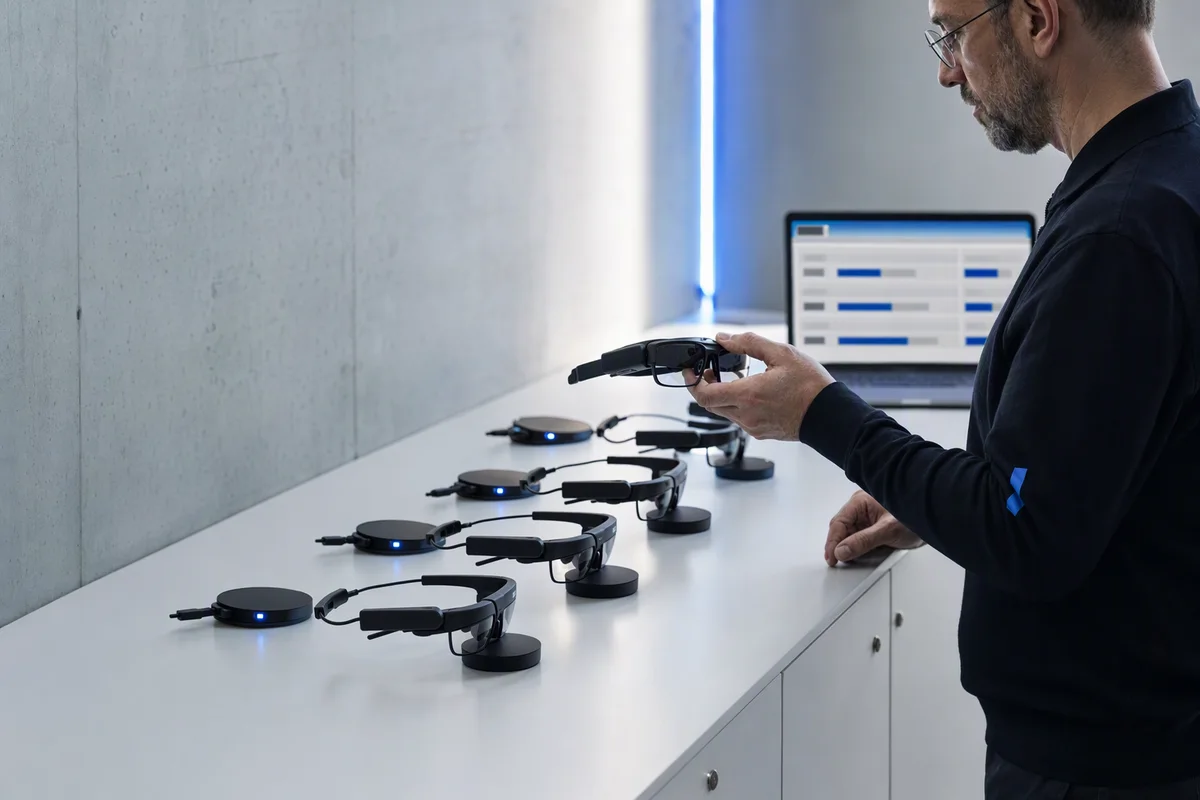
After a demo, the head of IT is asked to “get twenty pairs for the maintenance team”. In the demo, a technician looked at a pump, asked what was wrong with it, and the assistant answered and opened the right page of the manual. It was convincing.
The questions nobody in the demo answered are the ones IT now owns. Where did the image of the pump go, and who else saw it? Could the assistant have ordered the spare part by itself? Which account was it acting as? What happens when one pair is left on a train tonight?
What Android XR is
Android XR is Google’s platform for XR devices, from headsets to display glasses to audio-only glasses, developed with Samsung and Qualcomm, with Gemini as the assistant layer. The first device was the Samsung Galaxy XR headset in October 2025. At Google I/O in May 2026 Google showed glasses that lean on the phone: the Gemini agent carries out multi-step tasks on the phone in the background, and the glasses act as its voice and camera. XREAL Aura is the first priced pair of Android XR display glasses; what it means at a workstation is covered in XREAL Aura on the shop floor.
For developers, the Android XR SDK includes Jetpack Projected, where an app runs on a host device such as a phone and projects its experience to the glasses, Jetpack Compose Glimmer for see-through displays, a glasses emulator, and an API that tells an app whether the device is being worn.
The endpoint is new, the questions are not
Companies already know how to run endpoints: identities, device management, permissions, data classification. What is new here is an endpoint with a camera pointed at the workplace and an agent that can act. That work can happen in three places: on the device (the glasses, a compute puck or the phone), in the platform vendor’s cloud, or in the company’s own system. Google does not publicly specify how an agent’s work splits between the device, the phone and the cloud. Treat it as unknown until the vendor documents it for the configuration you would actually buy.
Where an XR rollout goes wrong
The camera treated like a photo. A camera on someone’s face produces a continuous view of the workplace: drawings, screens, customer documents, colleagues’ faces. That is the most sensitive data the device generates, and it should be classified that way.
An unknown processing location. If you cannot say where a frame is processed and how long it is kept, you cannot answer questions under EU data protection law, or from a customer whose confidentiality agreement covers what is on your bench.
Agents acting with the user’s whole account. Multi-step tasks in the background are useful. An agent that acts with every right the user has on the phone can also send, order and delete. Permission to see is not permission to act.
The record split in two. If the history of what was seen, asked and done lives in the assistant’s account, the company now has two versions of what happened, and only one of them is its own.
One vendor at every layer. Operating system, assistant and cloud from the same supplier is convenient, and it is three kinds of lock-in at once.
The fleet as an afterthought. Pairs are shared between shifts, lost, charged, updated and wiped. Someone has to know who is signed in on which pair, and what happens to the data on it.
What to do instead
Draw the three boxes before you buy. For each use case, write down what has to stay on the device (tracking, display, wake word), what may go to the vendor and on which terms, and what has to live in the company’s system: the record, the permissions, the approvals and the evidence.
Keep the record and the decisions in the company. The agent on the device may see and propose. The company’s system checks permissions on the server and records every action. Agents never approve a critical operation.
Give the device agent named actions, not an account. Read a work order, attach a photo to a non-conformance, request a part for approval. Each one is a separate permission that can be granted and withdrawn.
Camera off by default, on for a task. Capture belongs to a task, with the privacy light on, a short retention period, and the result stored with the record it belongs to.
Run it like any other fleet. Device enrolment, sign-in on shared devices, remote wipe, an update policy, spare pairs and somewhere to charge them.
Keep a way out. Build the integration against your own ontology and your own interfaces, so the glasses are a front end you can replace, not the place where the work lives.
That split is how Hurukan is designed. The record, the permissions and the approvals sit in the company’s system on infrastructure it chooses, as described under Security and Sovereignty, and the Super Intelligence layer routes each task to a model under the company’s rules. An Android XR client, for example through Jetpack Projected on a phone, is a possible direction we are considering, not an existing integration and not a partnership. Whether any of the camera stream may leave the building at all follows the same reasoning as which data must never leave the building. The Hurukan homepage shows where the rest of the system fits.
A test you can run today
Take the use case from the last demo you saw and draw three columns: device, vendor, company. Put every piece of data and every action from the demo into one of them. Anything you cannot place is a question for the vendor, in writing, before a purchase order.
Then ask one more question: if a pair is left on a train tonight, what can the person who finds it do with it? If the honest answer is more than “nothing”, the permissions are on the device, and they belong on the server.
- Android XR
- on-device agents
- smart glasses
- device management
- data sovereignty